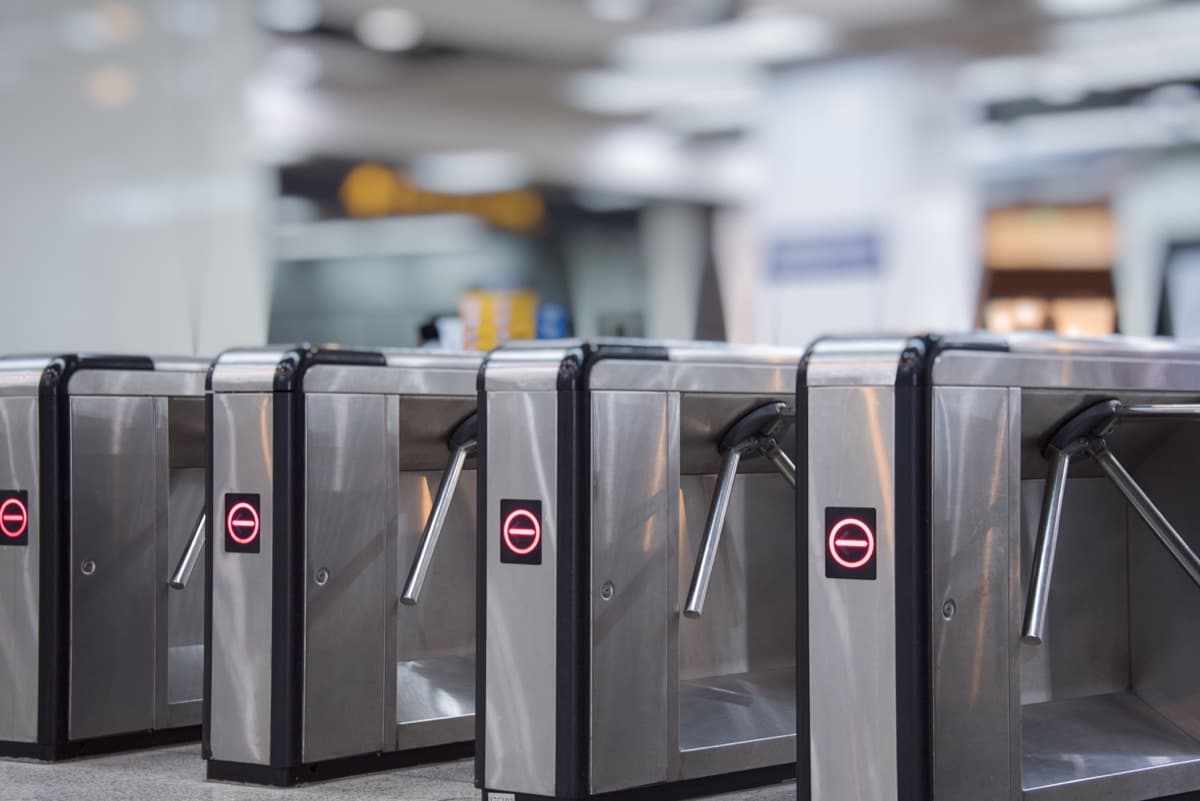
"Access control gate" can mean four different machines: a tripod turnstile, a full-height turnstile, an optical speed gate or a vehicle barrier or sliding gate. They fail in different ways, but they share one architecture, and that is what makes them quick to diagnose:
Credential -> Reader -> Controller -> pulse -> Gate board -> Drive -> Mechanism
                                                    ^
                           Safety sensors, loops, photocells, emergency input
The access controller decides who may pass. The gate's own control board decides whether and how the gate moves, and it listens to safety sensors that can override the access system. A fault can sit anywhere in that chain, and this guide helps you locate it in a few checks.
Gates can injure. Barrier springs, motors and turnstile arms store energy. Keep hands clear, isolate power before opening any housing, and leave mains-voltage work and spring adjustment to a qualified engineer. Never bypass, tape over or disable a safety sensor, loop or emergency input to get a gate moving.
Symptoms: what the gate is doing
| What you see | Where the fault usually is | Go to |
|---|---|---|
| Reader accepts the credential, gate does not move | The signal is not reaching the gate board, the board has no power, or a safety or emergency input is holding it | Step 1 to Step 4 |
| Tripod arms stay locked, or stop after a small movement | Solenoid or latch not releasing, or something jammed in the mechanism | Step 2 and Step 5 |
| Gate opens for everyone, or never locks | Free or normally-open mode, an active emergency input, or a stuck relay | Step 4 and Step 6 |
| Boom arm will not lift | Manual release engaged, drive fault, no open signal, or a safety input active | Steps 1 to 5 |
| Boom lifts then drops straight away, or will not come down | A loop detector or photocell reads a vehicle, or a timer is set too short | Step 4 |
| Speed gate wings stay shut, or it alarms and beeps | Dirty, blocked or sun-flooded infrared sensors, or tailgating logic | Step 4 |
| Gate closes before people are through | Passage time-out too short, or sensor calibration | Step 6 |
| Only one direction works | Direction input or mode, or entry and exit signals on the wrong terminals | Step 3 |
| Works from the remote or test button, not from the reader | The access side: reader, controller, relay wiring or permissions | Step 3 and Step 7 |
| Dead after a power cut or storm | Supply, fuse, UPS or control board | Step 2 |
Step 1: Split the problem: open the gate without the access system
This one test halves the search. Every gate control board has a way to open the gate without the access controller: an open input (a dry-contact terminal), a test button, a keypad or a handheld remote. Use it.
- The gate opens. The gate is healthy, and the fault is on the access side: the reader, the access controller, the relay wiring or the pulse settings. Go to Step 3.
- The gate does not open. The fault is in the gate: its power, board, sensors or mechanism. Go to Step 2.
On a turnstile or speed gate, the manual shows the open input for each direction, often labelled entry and exit or IN 1 and IN 2. Briefly closing that input to its common terminal is exactly what the access controller's relay does. On a barrier, use the open or start input, the wall button or the radio remote.
Only close low-voltage dry-contact inputs the manual describes. Never bridge anything on a motor or mains terminal.
Step 2: Check the gate power, board and drive
- Power. Check the supply's indicator, its fuse and the voltage at the board's power terminals, with a multimeter, on the low-voltage side only. Many pedestrian gates run their control board on low-voltage DC from an internal supply. Barrier motors may run on mains or DC, and any mains work is for a licensed electrician.
- Board lights and codes. Most boards show status lights or a display, and many give fault codes. Read the manual's code table, and photograph the display for your engineer.
- Solenoid or drive. On a turnstile, trigger the open input and listen. A click means the solenoid is energising, which makes a mechanical jam the likelier fault. Silence means the board, the wiring or the solenoid.
- Barrier motor. A motor that hums but does not turn points to a mechanical jam or, on an AC motor, a failed start capacitor. Both are for an engineer.
- Power quality. Voltage dips and short outages reset boards and can leave gates in an emergency state. A UPS on the gate supply is cheap insurance.
Step 3: Check the signal from the access controller to the gate
If the gate opened on its own input in Step 1, the access controller's signal is not doing what the gate board needs.
- The wiring. The controller's relay is normally a dry contact. Its COM and NO terminals must go to the gate board's open input and its common, exactly as the gate manual shows. Use one relay per direction. Check that entry and exit are not swapped.
- Dry or wet input. Some gate boards expect a voltage on the input instead of a bare contact. Wiring a dry contact to a wet input does nothing. The manual says which.
- Pulse length. Many boards want a short pulse for each passage. A relay time that is too short can be ignored, and one that is too long can let the gate open twice or stay open. Set the controller's relay time to what the gate manual specifies.
- Watch the signal. Put a multimeter on the gate's open input, or watch the controller's relay light, while someone presents a card. You should see the contact close for the length of the pulse. If it closes and the gate does nothing, the fault is the gate side after all. If it never closes, the fault is upstream.
- The reader to controller link. If the reader beeps but the controller never acts, see Step 5 of our door troubleshooting guide, which covers Wiegand, RS-485 and OSDP wiring.
- Integrated readers. Many gates have the reader inside the housing. Cable connectors loosen with vibration, so check them before anything else.
Step 4: Check safety sensors, loops, photocells and the emergency input
The board will not move the gate if a safety input says a person or vehicle is in the way, however valid the credential.
Read the board's input lights first
Most boards have a small light for each input: open, emergency, safety, limit. One that is lit and should not be tells you the story. Note which, then find the cause behind that input.
Pedestrian gates
- Infrared and photo sensors. Dust, condensation, fingerprints and cracked lenses block beams. In lobbies with glass frontage, low sun can flood a receiver at certain times of day. That gives a gate that misbehaves only at set times. Clean the lenses with a soft cloth and check alignment.
- Cross-talk and reflections. Adjacent lanes, glossy floors and polished cladding can confuse sensors. Follow the manual's calibration procedure.
- Luggage and trolleys. A lane blocked by a bag or trolley will hold or alarm by design.
- Tailgating logic. Speed gates detect a second person following too closely and close or alarm. That is correct behaviour. Check the settings before treating it as a fault.
Vehicle barriers and sliding gates
- Loop detectors. A safety loop under the arm stops it lowering on a vehicle, and a free-exit or presence loop lifts it. The loop is a wire cut into the road surface, and cracked asphalt, road works and water can break it. The detector unit shows a fault light. A barrier that will not come down may think a vehicle is under the arm, so check for a stopped vehicle, a large metal object or a detector fault.
- Photocells. They are normally wired so that a broken beam or a cut cable reads as an obstruction. That is fail-safe, and it also means a dirty lens, a knocked alignment or a damaged cable holds the barrier. Clean and realign them before replacing anything.
- Timers. A barrier that lifts and drops straight away may have an auto-close time set too short, or a free-exit loop that reads a vehicle passing the wrong way.
The emergency input
Gates are built to release on fire alarm or power loss. A tripod turnstile drops its arm or rotates freely, a speed gate opens its wings, and a full-height unit does what it is configured to do. If the emergency input reads active, the gate stays in that state whatever the reader says. Check the input's normally-open or normally-closed setting against the fire panel's relay, and check that the panel is not in a latched alarm.
Gate still not moving after Step 4? Send us the gate make and model, a photo of the control board with its lights or display, and the result of the open-input test. We will tell you whether the fault is the gate, the access side or a sensor, and whether it needs an engineer on site. We reply the same day.
Step 5: Check the mechanism
- Tripod and full-height turnstiles. Coins, keys, card fragments and other debris jam the latch and ratchet. Clean the mechanism before you lubricate it. Also check for loose fixings, corrosion, a worn ratchet or damper, and arms that have gone out of alignment. Movement in the floor fixings misaligns the sensors too.
- Boom barriers. The manual release lever or key can be left disengaged after maintenance. The motor then runs and the arm does not move, or the arm can be pushed by hand. With power off, re-engage it as the manual describes.
- Balance. A boom that has had lights, a skirt or signage added is heavier than the spring was set for. It overloads the motor or trips. The spring is under tension, so leave the adjustment to an engineer.
- Sliding gates. Sand and debris in the track, worn rollers, a loose rack and pinion and misplaced limit magnets stop a gate part-way.
- Climate. Coastal sites corrode, and sandy sites wear moving parts faster. Both need more frequent checks than a covered lobby.
Step 6: Check modes, timers and emergency behaviour
- Gate mode. A gate can run in controlled entry and exit, free entry, free exit, both free or locked. A gate left in free mode after a test or an event lets everyone through. Check the board, its display or its DIP switches, and the access software's schedule for the door, because software can change the mode by time of day. The door guide's Step 6 covers schedules.
- Passage time-out. After a valid read the gate re-locks if nobody passes within a set time. If people say "it closes before I walk in", increase it.
- Latched alarm state. After a fire-alarm test or a power loss, a board can stay in its emergency state until it is reset. Read the manual for the reset.
- Escape routes. A turnstile is never the escape route, and it must sit alongside a compliant one. Any change to release behaviour is a fire-safety decision, not a settings tweak.
Step 7: If the gate opened on its own input, work the access side
Once the gate proves healthy, the fault is a permission, a synchronisation or a communication problem between reader and controller. Work the access chain: the reader's response, the controller's relay, then the platform. See the guides for Hikvision iVMS-4200, ZKTeco BioTime and Suprema BioStar.
If the gates work but people queue at them, the problem is lane count, not a fault. Peak flow divided by per-lane throughput sets the lane count, and our turnstile and speed gate range lists typical figures.
What to send us, and when to call
Stop and call an engineer when the fault is in the drive, the springs or the mains supply, when a safety input keeps reading active, or when more than one gate is affected. These details help us narrow a gate fault remotely before anyone travels:
- The gate type, make and model, and the make and model of the access controller and reader.
- A photo of the gate control board, with its lights or display and any fault code.
- The open-input result: did the gate open on its own input?
- Which input lights are on, and whether the emergency input is active.
- What changed: a power cut, storm, maintenance visit, new cabling or a software change.
- Site conditions: outdoor or indoor, coastal, sandy, and the hours of use.
Need a technician for a turnstile, speed gate or barrier in the UAE? We diagnose remotely first, then attend on site when the fault needs hands. Send us the board photo and the open-input result and we will reply the same day. If you are planning gates for a new site, ask for a free site survey.